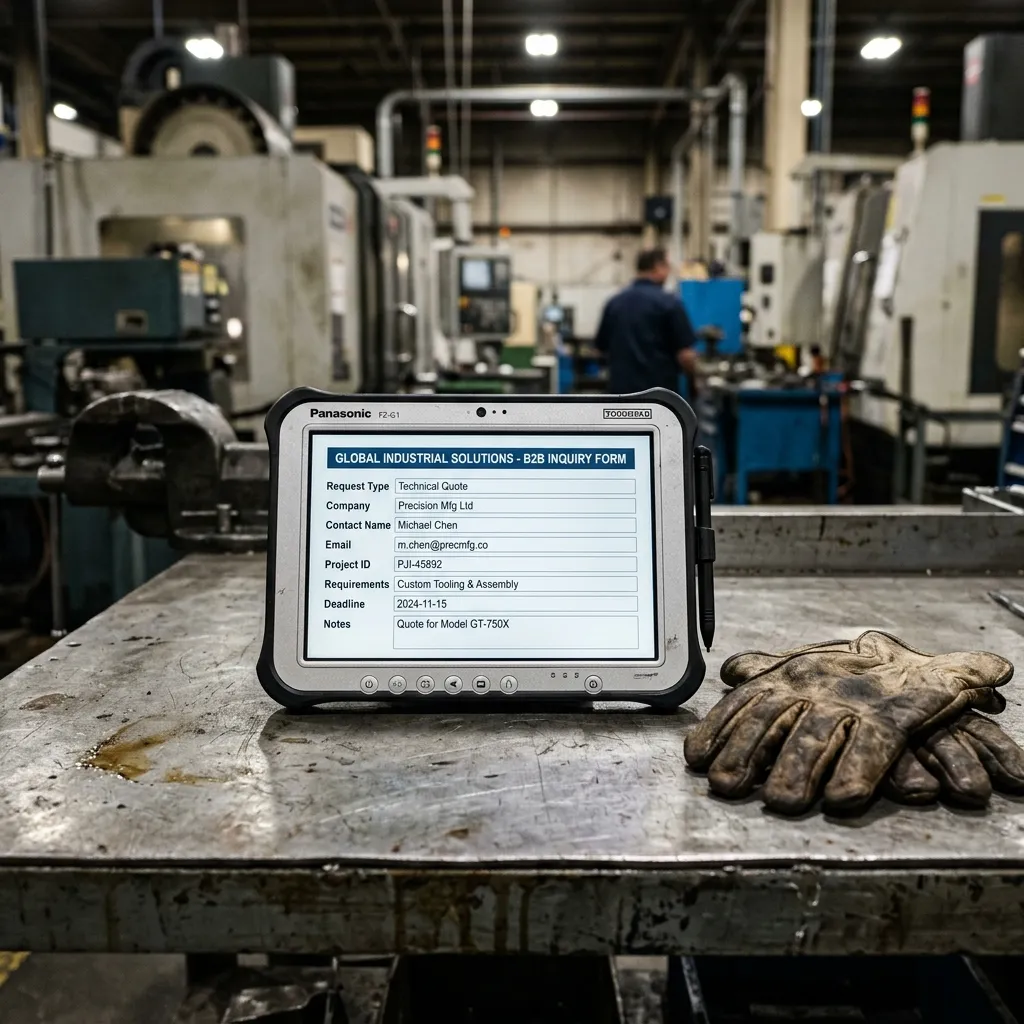
The Bottleneck at the Bottom of the Funnel
You did the hard work. You built trust, you provided the technical specs, and the buyer decided to contact you. They click “Request a Quote,” and then… they close the page and leave.
Why? Because your form felt like a tax return.
In B2B industrial marketing, the inquiry form is where conversions go to die. Here are the best practices to fix your lead generation forms and start capturing the traffic you already have.
1. Stop Asking for Things You Don’t Need Yet
The Mistake: Asking for First Name, Last Name, Company Name, Job Title, Industry, Country, State, Phone Number, Fax Number, Email, and a 500-word description of their project.
The Best Practice: Reduce friction aggressively. Every field you add drops your conversion rate. Ask yourself: What is the absolute minimum information my sales team needs to start a conversation? Usually, it is just Name, Work Email, Company, and a brief description. You can find their Job Title on LinkedIn later.
2. Use Single-Column Layouts
The Mistake: Placing “First Name” and “Last Name” side-by-side to save vertical space.
The Best Practice: Eye-tracking studies show that single-column forms are completed significantly faster. Users read top-to-bottom. Do not force their eyes to zigzag across the screen. Stack your fields vertically.
3. Provide Context Near the Form
The Mistake: A blank white page that just says “Contact Us” at the top.
The Best Practice: Place trust signals directly next to the form. Include a photo of your sales engineer, a mention of your typical response time (“We reply within 24 hours”), or a small array of client logos. Remind them why they are filling out this form right at the moment of friction.
→ See what fields an Industrial RFQ Template should actually include
4. Give Immediate, Clear Feedback
The Mistake: When the user clicks “Submit,” the page reloads and a tiny green text appears saying “Message sent.” Or worse, nothing happens.
The Best Practice: Redirect them to a dedicated “Thank You” page. This does two things: First, it gives them absolute confirmation that you received their request. Second, it allows you to tell them what happens next (“Our lead engineer, David, will review your specs and email you tomorrow”).
Is Your Inquiry Path Broken?
A bad form is just one of many invisible barriers that stop buyers from contacting you. Sometimes the form submits, but the email never arrives due to server misconfigurations.
We built a tool to test your website’s entire conversion path.