Your Website Gets Traffic. But the Inbox Stays Empty.
You built a website. You put your products on it. Maybe you even ran some Google Ads. But the inquiries that come through are either too small, too vague, or just not there.
This is the most common problem we see in industrial B2B websites. The company is real, the products are solid, and there are buyers searching for exactly what they make. But something between the search result and the inquiry form is broken.
Here are the five places where industrial websites lose buyers — and how to check if yours is doing the same.
1. Speed — Buyers Leave Before They See Your Products
Most industrial buyers are in North America, Europe, or Southeast Asia. If your server is in China and your product pages take 8 seconds to load from Frankfurt, the buyer is gone. Google’s own data says 53% of mobile users abandon a page that takes more than 3 seconds.
Quick check: Open Google PageSpeed Insights and enter your URL. If the mobile score is below 50, speed is actively killing your inquiries.
2. Mobile — Your Site Breaks on the Screen That Matters
In 2026, over 60% of B2B buyers first encounter a supplier on their phone. They are not placing orders — they are deciding whether you are worth contacting.
Many industrial sites look acceptable on desktop but fall apart on mobile: images overflow, text requires pinching, forms do not submit, menus do not open. When a procurement manager sees this, the conclusion is immediate: this company is not professional.
Quick check: Open your homepage and one product page on your phone. Can you read everything without zooming? Can you submit the inquiry form? If not, you are sending buyers to your competitors.
3. Content — You Are Listing Specs, But Buyers Want Answers
The typical industrial product page has a photo, a spec table, and a “Contact Us” button. That is it.
The problem: when a buyer lands on your product page, they are not thinking “what is the voltage?” They are thinking “can this machine solve my production problem?” They want to see application scenarios, throughput data, how similar customers use it, lead times, and customization options.
A spec table tells buyers you have the product. It does not tell them whether they should contact you.
Quick check: Open the page for your best-selling product. Besides specs, does it explain what scenarios this product fits? What output or capacity it handles? How customers typically use it? What the lead time is? If none of these are answered, your product page is pushing buyers away.
→ How to structure an industrial product page that drives inquiries
4. Trust — Buyers Cannot Verify You Are Real
Industrial purchasing is a high-stakes decision. A mold costs tens of thousands. A production line costs hundreds of thousands. Buyers researching suppliers online will, after checking your products, immediately try to verify your credibility.
They look for: real factory photos (not renderings), customer case studies with data, certifications (ISO, CE, UL), team introductions, and company history. If half of these are missing, the buyer moves on.
The About page is a common failure point. Many industrial websites have an About page that says: “Founded in 2005, we specialize in manufacturing XX equipment.” That is a business registration summary, not a company introduction. Buyers want to know what projects you have completed, what problems you solved, and where your customers operate.
Quick check: Count how many real factory photos, data-backed case studies, and verifiable certifications your website has. If the total is under 10, your trust level is insufficient.
→ How to build trust on an industrial website
5. Forms — Buyers Want to Ask But Cannot Find Where
The last breakpoint, and the most costly: a buyer finishes reading your product page, reviews your case studies, decides you are worth contacting — and then cannot find the inquiry form. Or the form is buried at the bottom of a Contact page. Or it asks for 15 fields.
A good inquiry form appears at the bottom of every product page, has no more than 5 fields (name, email, company, brief requirement, file upload), and gives clear feedback after submission.
A more hidden issue: the form submits, but you never receive the email. Misconfigured mail settings, spam filters, or wrong recipient addresses. You do not know buyers tried to reach you.
Quick check: Go to your website right now and submit a test inquiry. Check how long the email takes to arrive, which inbox it goes to, and whether all the submitted data is included. If your own test does not arrive, real buyer inquiries are not arriving either.
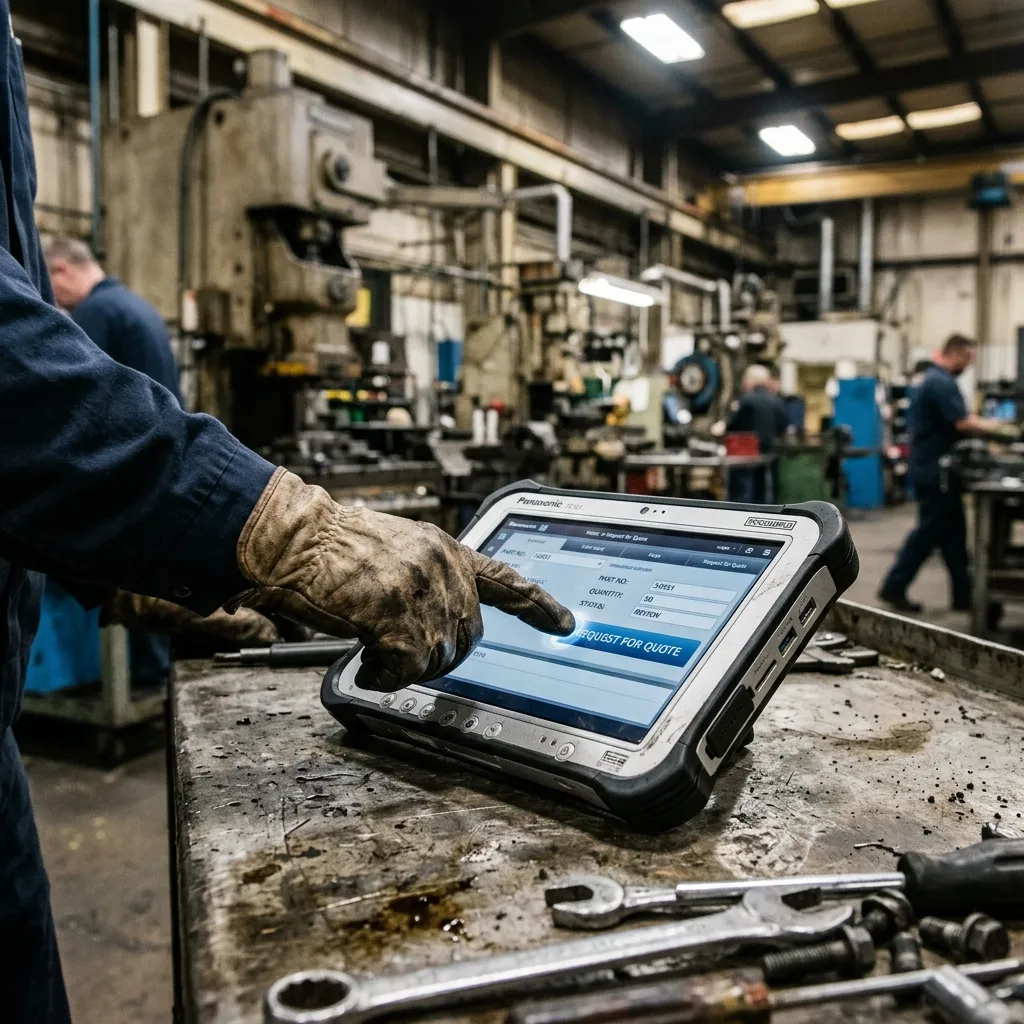
→ How to optimize a quote request page for industrial B2B
Not Sure Where Your Website Is Breaking?
Most industrial websites have at least 2-3 of these problems. The challenge is that you may not be able to find all of them on your own.
We built a free website diagnostic tool. Enter your URL and it automatically checks speed, mobile responsiveness, search visibility, trust elements, and inquiry paths. You get a diagnostic report.